Your phone as a real controller
Unlimited features and customization
Designed to offer the best experience, featuring low latency and absolute configuration freedom.
Native HID Connection
The phone registers itself on the host computer as a standard physical controller (Bluetooth HID Profile). No PC server app required.
Classic Profiles
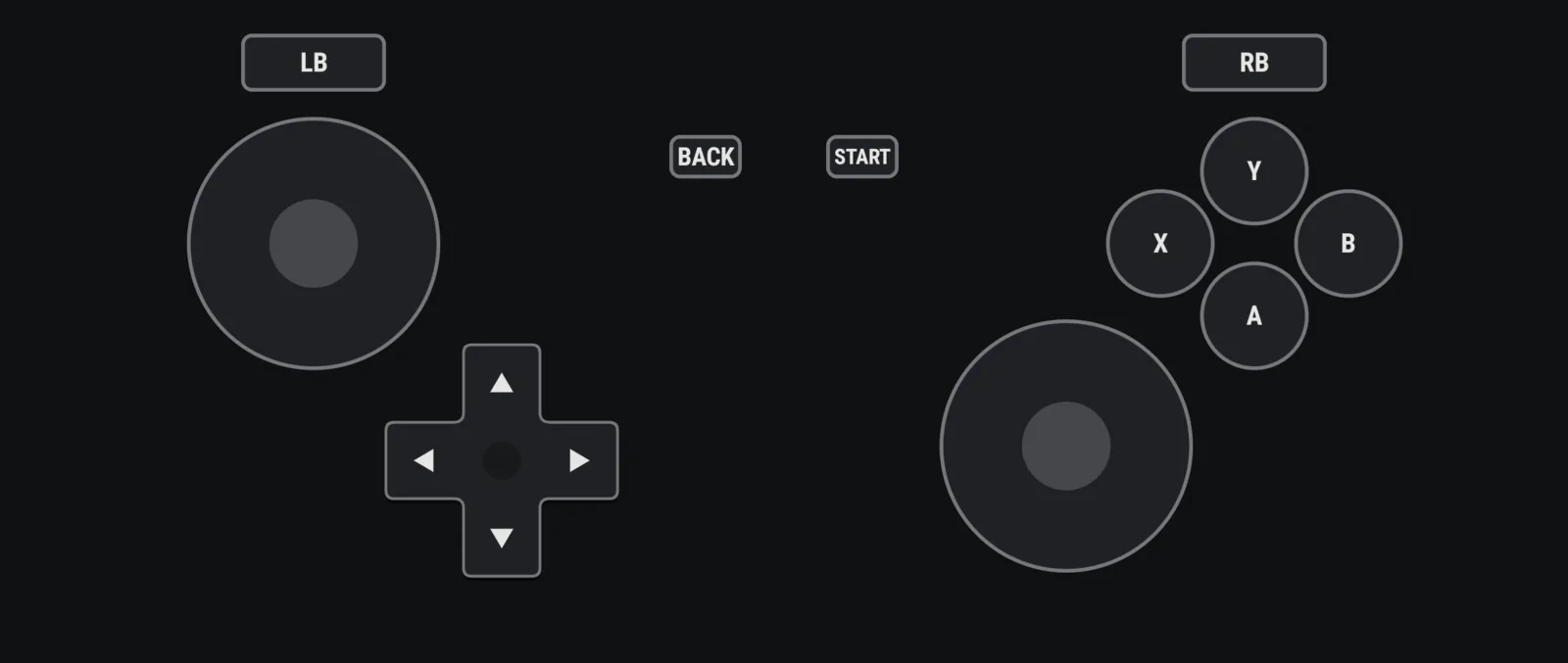
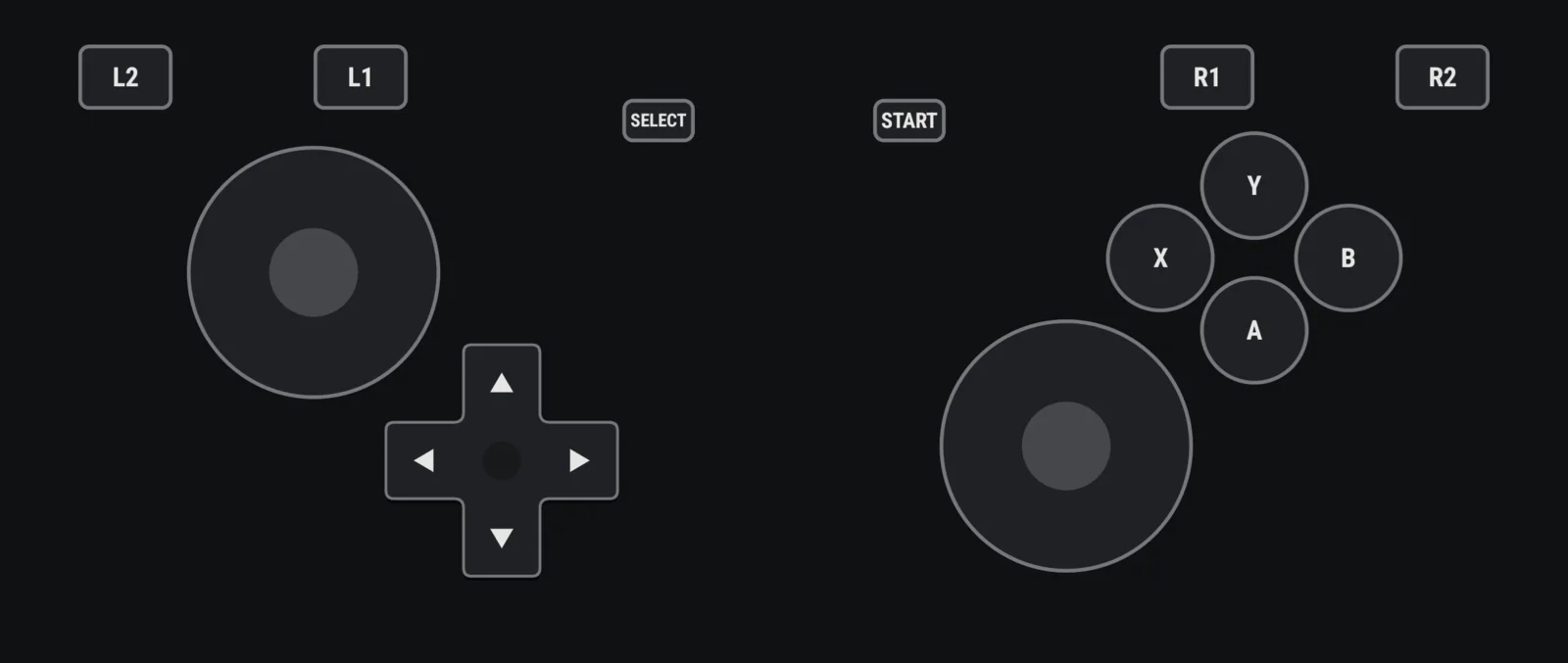
Preconfigured layouts ready to play: SNES Classic, NES Nintendinho, PlayStation 1, Mega Drive, Arcade, Modern Analog, and Atari 2600.
Total Customization
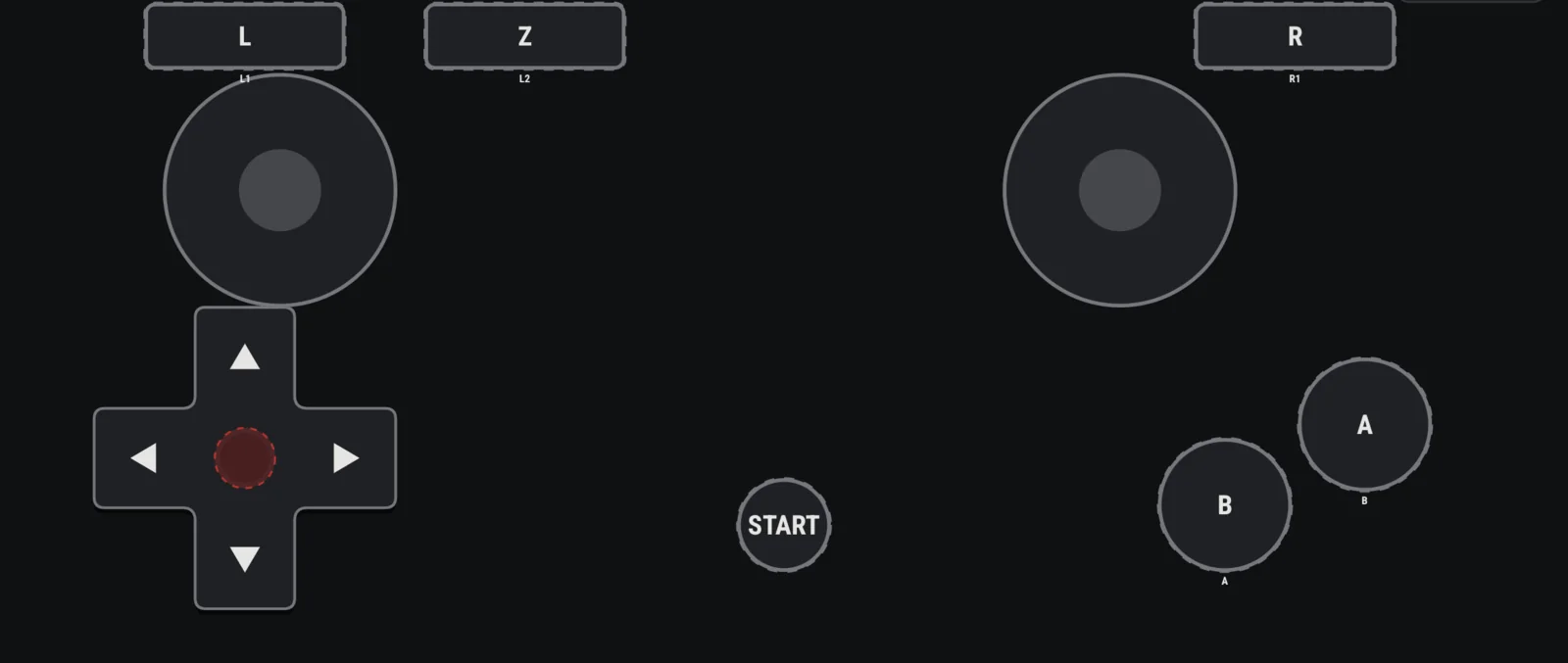
Place buttons anywhere, resize them, switch shapes (circles and rectangles), and select visual styles (Simple, SNES, and Premium).
Special Modes
Enable Turbo Mode (automatic rapid fire) or Toggle Mode (latches buttons with a single touch) to streamline your gameplay.
Advanced D-Pad
Personalize the directional pad as cross, floating, or zone-based. Adjust sensitivity and toggle diagonal input.
Gameplay Focus
Immersive fullscreen mode, Lock Task (prevents exiting the game by accident), and keep-screen-on utility to avoid interruptions.
Detailed Features
Explore in depth how each feature works and understand the advanced capabilities of the application.
See it on the phone
Real screens from the app. Pick a layout that fits your game, or change it to fit your hands.
Start from a ready-made profile
Browse control layouts for racing, action and retro games, then open the one you like in the app.
Latest Updates
Track what's new and the latest improvements in Gamepad Touch.
- Required double-tap on the edit button to prevent accidental edit mode activation during gameplay.
- Implemented beta app expiration management and warning alerts.
- New modular gamepad profile system with an interactive layout editor and dedicated input handlers.
- Architectural improvements: modern display rotation handling, optimized log collection, and null-safety initialization guards.
Need Help?
Access our help center and FAQ to clear up questions about pairing, compatibility, and configuration.